What does owning your code actually mean? 16 pages · about 5 minutes
oriel / website Last change: Lisbon added to the city guides, today
Domain Its address Hosting The live site Content Guides and stories 01
Ownership you can check Once a project is paid in full, the designs, layouts, copy and front-end code made for you are yours.
We set up the repository, domain, hosting and content accounts in your name wherever the platform allows. Anything we hold for you is transferred at handover.
On a hosted builder, more of the site stays with the builder. Webflow’s code export leaves out the CMS, forms and site search, and Wix sites have to be hosted on Wix’s own servers.
Whose name is on each account is a better test than any promise.
Our terms ↗ Webflow: code export ↗ (opens in a new tab) Wix: hosting elsewhere ↗ (opens in a new tab)
02
Your brand, written down A design system is your brand in a form a website can follow: the typefaces, colours and spacing, the sections every page is built from, and the rules for using them.
We write it into the site itself, in plain words as well as code, so your team, your developers and the AI tools that make changes all work from the same rules.
It’s what lets other people change your site without changing your brand.
03
Oriel Design system
The calm way to travel for work.
Oriel Book Serif, for headings Flights, rail and hotels in one place.
Oriel Book Sans, for everything else Spacing
Opening The calm way to travel.
Book a demo City guide Story “Our travel finally runs itself.”
Rules 04
The calm way to travel for work.
City guides 12 pages from one template
Booking Connected to your calendar
Policy check A tool sales send every week
Team portal Behind a sign-in
05
Build what you need next Owning the code means the next idea doesn’t wait for a platform to offer it.
New pages
Made from the sections you already have.
New kinds of content
Guides, locations or products, each with its own template.
Connections
Your CRM, booking and product data, wired into the site.
Tools
Calculators, portals and gated pages, built as part of it.
06
Your AI tools can work on it too Code in a standard repository is something your developers, another studio or an AI coding tool can read and work on.
Your design system is what keeps that useful rather than risky. Whoever proposes a change, it’s built from your sections, checked against your rules and waits for a person to approve it.
The pages are built as plain HTML, so search engines and AI assistants can read every word without running the site first.
07
Your team Your developers An AI coding tool
Checked against Oriel’s design system Waiting for Sam Approves before anything goes live08
What owning it doesn’t mean You don’t have to read code. Your team changes words, images and pages on the page itself, or by asking in Slack or by email.
Someone still looks after it: hosting, security updates, backups and the bigger changes. That can be us, another team or your own developers, and you can change your mind.
Hosting and paid tools are usually billed by their providers straight to you, so you can see what the site costs to run.
09
10
The calm way to travel for work.
Book a demo Collaborators Owner Removed Setup notes How to publish a change How to add a page Where each account lives
11
If you ever move on The site keeps running. Its code, domain, hosting and content are already in your name, with setup notes another team can pick up.
Anything we hold for you is transferred, and you can remove our access from each account yourself.
What stays with us is the way we work with you: your workspace, its editors and the checks we run. Our terms keep the tools we bring to every project as ours.
Our terms ↗ GitHub: transferring a repository ↗ (opens in a new tab)
12
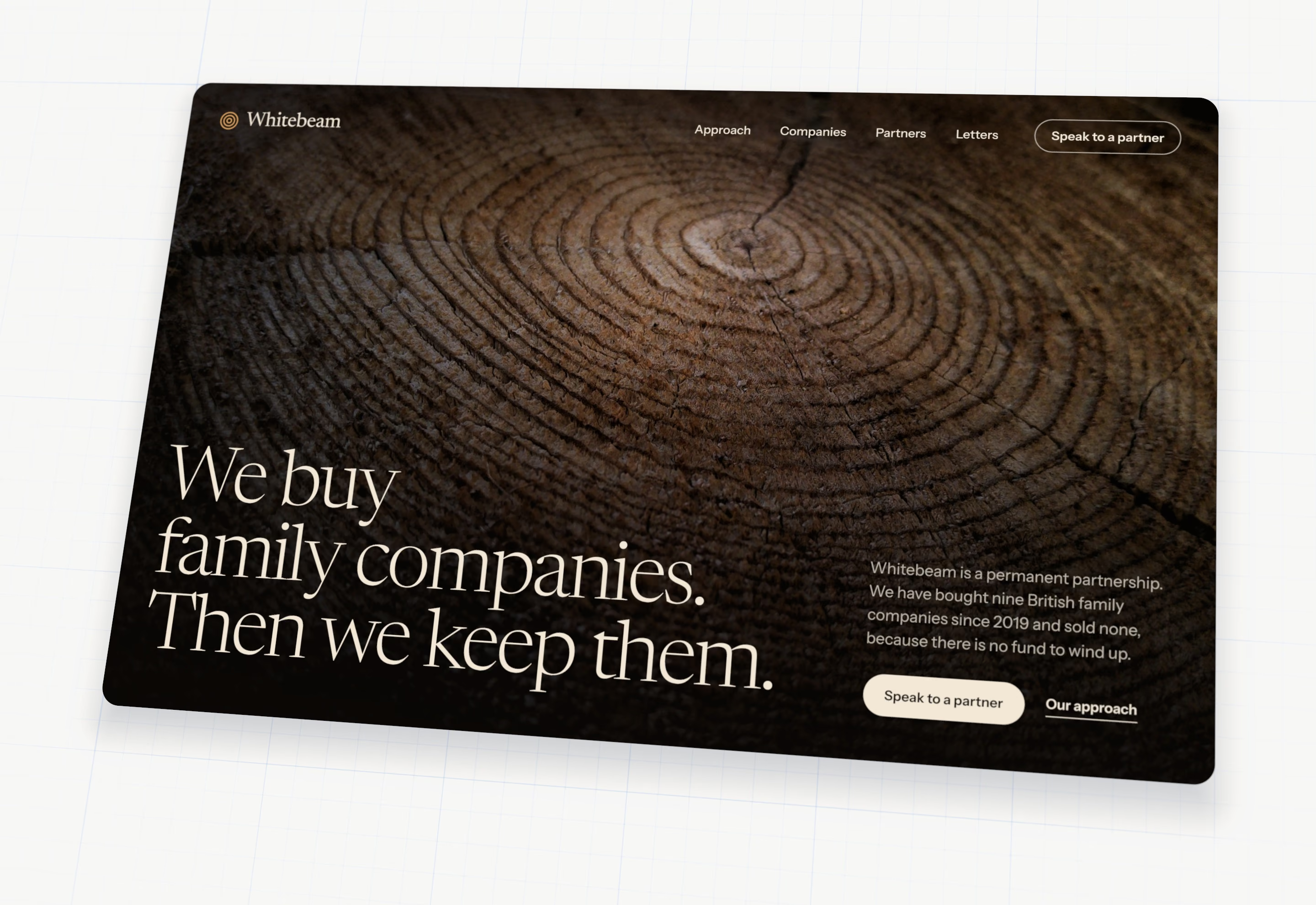
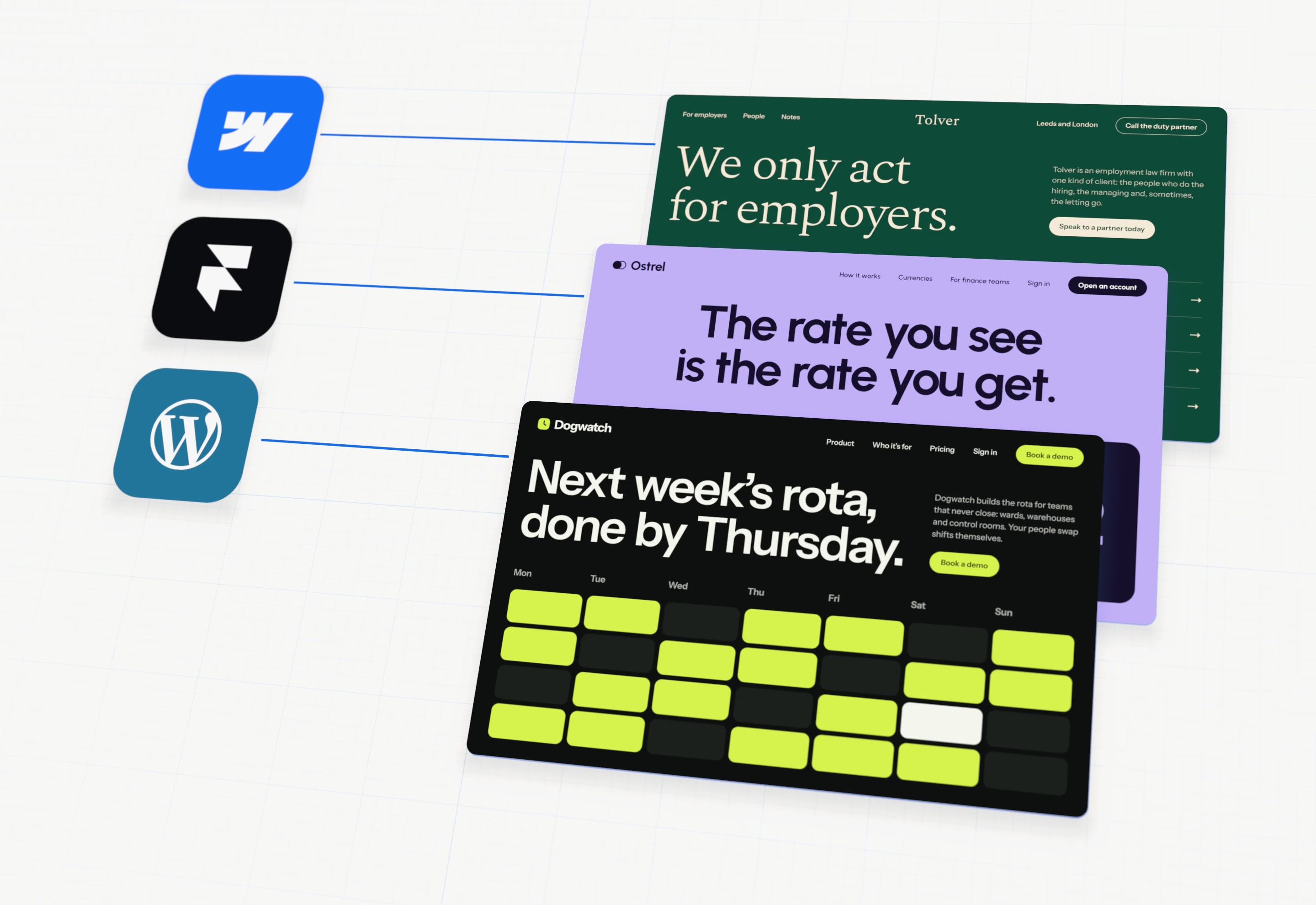
Our own site, moved the same way In June 2026 we moved south.digital off Framer and onto code we own. The old site linked to 68 pages.
12 kept their address43 redirected to their nearest page13 retired on purpose
Since then it has grown the way we choose: a headline that follows the search that brought you, prices in your own currency, booking inside the page, and these books.
13
14
Questions to ask before you move Whoever builds your next site, get these answers in writing.
1 Whose name is on the domain, the hosting and the code?2 Can you take every page, its content and its design with you?3 Where are your brand’s rules written down, and what checks changes against them?4 What can your team change today, and what after the move?5 If you part ways with whoever builds it, what keeps working?15
Start with what you’d want to own
Bring a list of the accounts behind your current site and who holds each one. We’ll show you
what moving onto code you own would involve, and what you’d keep exactly as it is.
Book 30 minutes with Zac Next book Can our team edit the site without a developer? 16
Can our team edit the site without a developer? 16 pages · about 4 minutes
Oriel Product Customers Pricing Book a demo
Winter rates are here.
Flights, rail and hotels in one place.
Headline The calm way to travel for work.
01
The campaign is ready. The website isn’t. The headline is approved. The image is in the folder. The link is ready. Nobody should need to wait for a developer to put those three things on the page.
A useful editor gives your team control over the work they do regularly. The design still holds together. Bigger changes have a clear route back to the people who built it.
What matters is whether your team can finish a real update in your CMS.
02
Start with the next update Take this request into the demo:
Change the campaign headline, replace the image and send the button to our new booking page.
What changes What the editor should provide Aa HeadlineA named field and the actual page preview A useful crop on desktop and phone Its label and destination, together
03
Home Draft
1 HeadlineThe calm way to travel for work.
Image Desktop Phone 3 ButtonBook a demo /book-a-demo
2 PreviewPublish
Oriel The calm way to travel for work.
Book a demo 9:41 Watch the whole update.
1 Can you find the controls without someone translating them?2 Can you see the result before publishing?3 Does the button reach the right place?A quick demo with the supplier’s perfect content can hide the steps your team will struggle with.
04
Give different changes different controls 1 Change what is there.
Headlines, images, links, biographies and contact details need straightforward fields.
2 Publish something new.
A customer story, article or location needs a template with the right information already accounted for.
3 Change how a page is arranged.
Reusable sections can give a marketing team room to build campaigns. Agree which combinations are supported and when a new layout needs design input.
Freedom is useful when it makes the next task easier. An empty canvas can simply move the design work onto your team.
05
1 Contact email hello@your-company.com
2 New customer story 3 Campaign page
06
Update the information once A customer story can appear on its own page, the homepage and a related service page. Those views should draw from the same story record.
One source:
title · summary · image · approved quote.
Used in:
story page · featured work · related service.
Change the title in that record and check each place it appears. You should only have to change it once, with no copy left saying the old thing.
07
Customer story How a team of 300 moved its travel to Oriel
Story page How a team of 300 moved its travel to Oriel
Featured work How a team of 300 moved its travel to Oriel
Related service Travel policy for growing teams
Read: How a team of 300 moved its travel to Oriel
08
Save draft Publish 09
The preview should earn your trust Try the changes that a polished demo avoids: double the headline length, use a portrait image and leave an optional field empty.
The page should still make sense on a phone. If an image needs a different crop, you should be able to see that before it goes live. If the page cannot work without a field, the editor should tell you what is missing.
Saving a draft and publishing it are different actions. Make it obvious which one you are about to take.
10
vizcom.com
Submissions Judging Results
11
What this looks like in our work For Vizcom, South built a challenge hub inside the existing Webflow site, working from Vizcom’s designs.
The team selects the live campaign stage in the CMS. The page then presents the right content and calls to action as the competition moves through submissions, judging and results. The next stage does not mean rebuilding the page.
That is the principle we want an editor to serve: understand the recurring job, then make that job straightforward.
Webflow development and CMS by South. Design supplied by Vizcom. See the project ↗
12
Where Sanity fits For our custom builds, Sanity gives us a way to model the content and build editing controls around it. The fields, relationships, preview and publishing workflow still need designing for the people who will use them.
The test is your colleague opening the editor and completing the task they came to do.
Sanity: preview and page building ↗ (opens in a new tab)
Customer story Image Crops for desktop and phone Approved quote From the customer
13
Keep the boundary clear Changing a published price is a content update.
Calculating a personalised quote is a new feature.
Publishing a story is a routine task.
Designing a new type of story may need a new template.
Agree those boundaries at the start. Your team should know what it can change confidently and where to bring a larger request, without finding out in the middle of a campaign.
14
Before handover, take the controls Use your own account and your own content. Complete one update without coaching, preview it on a phone, publish it through the agreed review process and recover a deliberate mistake.
If you get stuck, that is useful feedback on the setup. Fix the setup and keep the routine edits with your team.
Leave with a short walkthrough of the tasks you actually do and a named route for help.
15
Bring us the updates you keep waiting on
Show us two or three recent requests. We can work through which should be everyday edits, which
need reusable sections and which deserve design or development time.
Book 30 minutes with Zac Next book Astro or Next.js for a marketing site? 16
Astro or Next.js for a marketing site? 18 pages · about 4 minutes
Oriel Product Customers Book a demo
The calm way to travel for work.
Your trips Signed in
Berlin, 4 people Madrid, 12 people Waiting Save changes 01
Start with the visit A visitor reading your services, exploring your work and making an enquiry has a different job from a customer signing in, managing an account and saving work.
Both experiences can belong to the same business. They do not necessarily need the same technical approach.
For a content-led marketing site, Astro is our starting point. We consider Next.js when application behaviour or an existing React product gives it a clear role.
02
Two visits, two sets of needs The prospective customer:
The priorities are useful content, clear navigation, readable pages and a reliable next step.
03
The signed-in customer:
Now access permissions, changing data and application state are central to the brief.
Write these journeys down before the discussion turns into a comparison of framework logos.
04
Oriel JavaScript
HTML Business travel for teams of 50 to 2,000
Flights, rail and hotels in one place, with your travel policy applied as people book.
HTML Work email Book a demo JavaScript
05
What Astro does for a content-led site Astro can send the main page as HTML and add JavaScript to the parts that need interaction. A service description does not need to behave like a dashboard because there is a menu or booking form beside it.
Our own site uses Astro for public pages, with its content kept in the site’s own code and records. The book you are reading is an interaction added to that reading experience.
Speed still depends on the images, video, fonts and embeds, and on how well the page is built.
Astro: islands architecture ↗ (opens in a new tab)
06
Where Next.js makes sense Next.js brings React’s component model into a framework with server and browser responsibilities. It is worth considering when a connected application is central to the project, especially if the product team already works in React.
It can also produce static pages. Astro can support dynamic features. “Astro for websites, Next.js for apps” is a useful opening distinction, but an incomplete decision rule.
Ask what the team gains from the choice on this project.
Next.js: server and client components ↗ (opens in a new tab)
07
Your trips
Browser Upcoming Past Waiting
Server Berlin, 4 people Madrid, 12 people Waiting Lyon, 2 people Browser Save changes
08
Oriel Product Pricing Sign in
The calm way to travel for work.
Your trips Berlin Madrid Waiting Lyon Save changes 09
One business can run two stacks A public marketing site and a signed-in product can use different tools while sharing a visual identity.
Marketing owns:
services, customer stories, campaigns and publishing.
Product owns:
accounts, permissions, saved work and application behaviour.
Agree together:
navigation between them, shared brand elements, measurement and who maintains each part.
Sometimes sharing the product’s framework simplifies the work. Sometimes it makes a straightforward marketing update depend on a much larger release. Compare those consequences.
10
Your editor is a separate decision Astro and Next.js build the experience visitors use. A CMS gives your team a place to maintain content.
Whichever framework wins, you still need sensible fields, reusable page structures, a preview you can trust and a clear publishing process.
Ask to make your next campaign update. The answer should not begin with opening the codebase.
11
The calm way to travel for work.
Pages Stories Images Offices Quotes Links
Headline The calm way to travel for work. Publish
What your team edits Where content lives What visitors use 12
Judge the finished page A framework demo has none of your photography, video or integrations.
Use a representative page with the content and tools it will really carry. Open it on a phone, follow the main action and try it with motion reduced. Check the experience on a slower connection as well as the office Wi-Fi.
If you compare performance scores, compare equivalent pages under the same conditions. A number without its test setup tells you very little.
Voiceflow’s figures, from our work together. See the project ↗
13
voiceflow.com
Page weight 8 May · 22.2 MB 4 June · 6.4 MB
Largest contentful paint 8 May · 3.4s 4 June · 1.6s
Desktop lab, 8 May against 4 June 2026
14
Your enquiry We’re planning a new website. Send
We’re planning a new website. Try again Email us 15
Give the important actions their own brief For an enquiry, the useful outcome is that the message is safely captured and someone can act on it. For a booking, it is reaching the correct appointment route. For a search, it is finding a useful result.
Agree what happens if the connection fails or the visitor tries again. These behaviours need design and testing whichever framework builds the page.
Put them in the scope from the start.
16
Our recommendation, in plain English Services, work, articles and campaigns Astro, with the interactions the pages need A connected React application Consider Next.js and the value of sharing the product team’s tools A marketing site alongside a product Decide whether sharing a stack actually simplifies publishing and maintenance
Then check who will maintain it. A well-understood system with clear ownership is more useful than a fashionable choice nobody wants to touch.
17
Show us what the website needs to do
Bring the public pages, any signed-in journeys and the team who will look after them. We can
explain the trade-offs against that brief.
Book 30 minutes with Zac Next book How do we move a big site without losing search traffic? 18
How do we move a big site without losing search traffic? 18 pages · about 4 minutes
A search result Travel policy guide for growing teams /blog/2019/policy-guide
A saved link Oriel rates 2019 /downloads/rates.pdf
An old article The best tools for team travel Links to /team-travel.html
An email sent years ago Your booking link /old-centre
The calm way to travel for work.
01
A migration starts with the site people already use Some visitors arrive through your homepage. Others follow an old article, a saved link, a search result or a link in an email sent years ago.
The new design needs to account for those routes as well as its new navigation.
Nobody can promise that search traffic will never fluctuate. What you can ask for is a deliberate plan for the pages, content and actions that matter, and evidence that it has been followed.
02
Make a map before making changes Bring together the site crawl, sitemap, CMS records and useful search and analytics data. They answer different questions: what exists, what is published, what gets found and what people use.
Include downloads, image assets, forms and connected tools. A page with little traffic may still contain the booking route your sales team sends every day.
For each important item, record its current address, its purpose, its destination and who can approve the decision.
03
Current address, and its new one Purpose, and who approves it
/about-us The company storyMarketing /blog/2019/policy-guide Still found in searchContent /team-travel.html The main service pageMarketing /files/rates.pdf Sales send it every weekSales /old-centre The booking routeSales /spring-2019 A finished offerMarketing 04
Give each old address a decision Decision Old address Destination Keep /locations /locations Move /old-centre /locations/centre Retire /expired-offer No replacement; return 404 or 410
For a permanent move, use a server-side 301 or 308 redirect to the relevant replacement. Update internal links to the final address as well.
Google: site moves ↗ (opens in a new tab)
05
Retiring a page is a decision too Sending every retired page to the homepage loses the meaning of the original visit. If there is no equivalent content, make retirement a deliberate decision.
Everything to the homepage /old-centre /policy-guide /expired-offer /rates.pdf / Homepage
Each to its own place /old-centre /locations/centre /policy-guide /guides/travel-policy /expired-offer 410 /rates.pdf /guides/rates.pdf 06
89
locations in the live directory, October 2026, each with a page of its own
etsperformance.com
07
Protect the whole journey At ETS Performance, a visitor needs to find a location, understand its offer and reach the right booking services.
South mapped the existing Squarespace pages with the ETS team, agreeing what to keep or combine before rebuilding in Webflow. Shared location templates and a location finder connected the local details with the next step.
That whole route belongs in the migration checks. A working homepage would not prove it survived.
Design, Webflow development and migration by South. See the project ↗
08
/team-travel.html
Team Travel
Is Oriel right for a team of 300?
Yes. It’s built for companies of 50 to 2,000. Flights, rail and hotels in one place.
/teams
Is Oriel right for a team of 300?
Yes. It’s built for companies of 50 to 2,000.
Book a demo Content decision New offer for teams over 500: agreed, recorded.
09
Separate moving from rewriting A new template should still answer the question that brought the visitor to the old page. Carry the important content, useful links and relevant search information across deliberately.
If the offer, audience or page purpose is changing too, record that as a content decision. Otherwise a missing section may be mistaken for a design choice, and a deliberate rewrite for a migration defect.
10
consensus.app
11
Move a representative sample first For Consensus, the WordPress-to-Framer move included distinct structures for posts, resources and authors.
Before importing the whole collection, prove each type with a sample. Include a long article, unusual media and an entry with linked records. Check the result on a phone and ask an editor to update it.
A broken author link is cheaper to fix in the pattern than in hundreds of imported pages.
Migration, Framer development and CMS by South. See the project ↗
12
Agree what happens during the switch Who can approve the launch? Who controls the domain and hosting? When do content edits pause, and how do late changes reach the new site?
Keep the previous release and a verified content backup. Agree what would stop the launch, who decides and how new content and enquiries would be preserved if you revert.
“Roll back” should mean a recovery route that works.
13
Current site your-company.com Stays live until the release is checked
Reviewed release Checked before the switch Live
Return to the verified previous release 14
1 Start at an old address /old-centre
2 It reaches the intended content /locations/centre 301
3 Follow the call to action Book a demo
4 Verified at the destination Test enquiry, labelled The message arrived, with its details.15
Test the routes someone will actually follow Start at an old address. Confirm it reaches the intended content. Follow the call to action. Verify the enquiry, booking route or download at the destination.
Do this through an agreed, clearly labelled test process. A success message on the page is not enough to establish that an enquiry arrived.
Keep the results with the URL map so the person signing off can see what was checked.
16
Watch the move settle Save a baseline before launch. Afterwards, check important landing pages, redirect failures, indexing and enquiries alongside any campaign or seasonal changes.
Search engines need time to process a significant move. Investigate specific broken routes and missing pages promptly; do not draw a conclusion from a single quiet day.
Agree who is watching, when the follow-up happens and which unresolved issues remain open.
Baseline Before launchLaunch The switchWatching Who, and when
17
Start while the old site is still available
Bring the existing site, the destination you are considering and any launch deadline. We can
work through what needs to survive before the new design becomes the whole conversation.
Book 30 minutes with Zac Next book What does owning your code actually mean? 18


 Kim Lu, Vizcom